
Searching Cases by Name
Missouri Case.net handles the search itself. It is one statewide system, not a county portal. The Ste. Genevieve County prosecutor's instructions lay out the local steps: pick Litigant Name Search, choose "Ste. Genevieve County - 24th Judicial Circuit" under "Search for cases in," type the first and last name, add a filing year if you know it, and hit Find. The county selector matters. The same name can pull results from courts across Missouri, so skipping it buries the local case in noise.
- Open the public Case.net search menu and choose Litigant Name Search.
- Select “Ste. Genevieve County - 24th Judicial Circuit” as the local court choice.
- Enter the litigant's first and last name. Add a filing year when it is known.
- Select Find, compare the returned case number, style, filing date, and court, then open the intended case.
- Read Case Header first and Docket Entries next for the chronological record.
| Search field | Type | Required status | Local note |
|---|---|---|---|
| Litigant Name Search | Tab or link | Used for the name route | Opens the name-search form. |
| Last Name | Text | Unspecified | Use with first name under county guidance. |
| First Name | Text | Unspecified | Use with last name under county guidance. |
| Search for cases in | Dropdown or list | Used for county-local search | Select the exact Ste. Genevieve County circuit text. |
| Filing Year | Year field or list | Optional | Narrows a name search. |
| Find | Button | Yes | The county directions use this label. |
Ste. Genevieve County Case.net Search Choices
Case.net's public guide lists four ways into a case: Litigant Name Search, Case Number Search, Filing Date Search, and Scheduled Hearings & Trials Search. Pick the narrowest route your information supports. A ticket number sometimes works through Case Number Search. A future setting is best checked with Scheduled Hearings & Trials Search. Do that once the case is in hand. The live application changes over time. The official guide does not spell out every current option, the maximum date range, or how middle names behave. Open it in a normal browser and read the form itself. What the guide leaves out is not evidence that the portal lacks a feature. The working form is the authority.
Searching by Case Number
A case number is the fastest route into a Ste. Genevieve County court docket. In Case.net, pick Case Number Search, type the number, and hit Find. A traffic ticket works too, if the matter qualifies. The county instructions allow a ticket holder to enter the ticket number instead. Once the result opens, go to Case Header. Choose Make a Payment only if that option shows up for the charge.
Skip the guessing when it comes to format. No exact Ste. Genevieve case-number pattern has been published. A made-up prefix or year code will only send the search astray. Use the court-assigned number shown on the citation or returned by Case.net exactly as it appears. The system treats ticket and case numbers as separate things. It happens to accept the ticket in a given instance, but that is the exception.
Brand-new charges can lag behind. The prosecutor's guidance notes that a case number may take a few days after charges issue to show in the public result. If the number search comes up empty, try the name route. Use the local county selector and filing year. Still nothing? Contact the Circuit Clerk about the court record.
Ste. Genevieve County Case Entry Delays
A blank result can mean several things. The charge may be waiting on Case.net entry. The search may point at the wrong circuit. The matter may be a city citation. An older record may need a clerk request. The case may also be confidential. And a name match alone proves little. Check the case number, party role, filing date, and court before you treat a result as the right person's case. For an older record or a copy, ask the Circuit Clerk for its current mail, fax, or email submission instructions. The county publishes no standardized request form. It publishes no court-specific mail procedure either, so put the case number, the record you want, the date range, and your delivery preference in writing yourself. A city-ordinance ticket missing from Case.net goes to City Hall in Ste. Genevieve or Bloomsdale. A St. Mary municipal matter is different. That city's municipal function sits with the 24th Judicial Circuit courthouse, so start at the Circuit Clerk. The clerk's Room 23 counter, phone, subject-matter email routes, and public terminal cover new cases, old ones, and gaps in the online docket.
Ste. Genevieve County Case Header Review
Case Header is the checkpoint between a search result and the event history. Before you trust the Docket Entries as the record you want, confirm the court, division, filing date, case type, party roles, status, and case number. That check earns its keep in two situations. A name search can return several results, or a ticket number can lead to a case with a different court-assigned number. Case Header may also show an ECASE marker, a payment control, or Track This Case. Each does one narrow job. ECASE points toward electronic-file access. A payment control applies only to a specific charge. Track This Case sends reminders; it is not the court's official notice. The next factual step is reading the dated Docket Entries. Finish with the most recent setting or order.
What a Case Search Returns
Once you choose a result, Case Header gives the case-level summary. Docket Entries is the chronological index of filings, settings, orders, and outcomes. Read the court docket from oldest to newest, and keep events like a filing, service, plea, motion, order, setting, reset, disposition, or judgment distinct from any conclusion that the case is resolved today.
| Case number | The court-assigned identifier used to retrieve the record. |
|---|---|
| Style and parties | The case caption and public party roles. |
| Court and division | The county court or division recorded for the case. |
| Case type and filing date | The public case category and date the initiating filing was accepted. |
| Status or disposition | The displayed state or recorded outcome, if public. |
| Docket Entries and settings | The chronological event history and recorded court settings. |
| Documents and ECASE | Linked documents where access permits, plus an electronic-case marker if shown. |
When a docket entry is hyperlinked, the logged-in user can usually pull up an attached document. A plain entry with no link is less certain. The clerk may hold no attachment, or the viewer's security level may block it, so the missing link never proves nothing was filed.
Ste. Genevieve County ECASE Access
ECASE has a plain meaning. The Ste. Genevieve County court file lives in electronic form rather than paper folders. Case.net still shows public case information for those files. For anything deeper, a public user may have to work from the courthouse terminal. The Circuit Clerk keeps the county's civil, criminal, probate, juvenile, traffic, and municipal court records. Registered attorneys and approved filers handle their submissions through Missouri eFiling, the secure filing workspace.
Public terminal route. Missouri court materials say public users may use a local courthouse terminal for statewide public cases and documents. Room 23 can direct a request for access or a plain or certified copy; a screen print is not a clerk certification.
Security rules govern what any viewer can see. File Viewer links, ECASE status, and the terminal will not open sealed, expunged, juvenile, adoption, mental-health, or other confidential material to the public.
Ste. Genevieve County has not published a terminal count, reservation process, identification rule, or records-counter cutoff. Confirm those practical details with the Circuit Clerk before you travel. Bring the case number, party names, approximate filing year, or citation number so the clerk can pull the right court record without a broad search.
Statewide vs Ste. Genevieve County Case Search
Ste. Genevieve County runs no separate public docket database. Case.net is the statewide layer. It becomes a local search when you select "Ste. Genevieve County - 24th Judicial Circuit." The Circuit Clerk covers everything Case.net cannot: the counter, phone, email, certified copies, older files, and the terminal fallback. Think of these as pieces of one system. Neither competes with the other as a second online case portal.
| Statewide Case.net | Ste. Genevieve County clerk route |
|---|---|
| Public online search for Missouri state-court case information. | Custodian help for local files, copies, certification, and unresolved access questions. |
| Name, case-number, filing-date, and hearing-search entry points. | Room 23 counter, 573-883-2705 ext. 1, criminal or civil email routing, and public terminal. |
| Case Header, Docket Entries, public settings, and eligible document or payment links. | Older paper files and records or electronic documents not remotely accessible to the public. |
The Missouri court-automation statute supplies the statewide infrastructure context that appears here. It builds no separate Ste. Genevieve County search product.
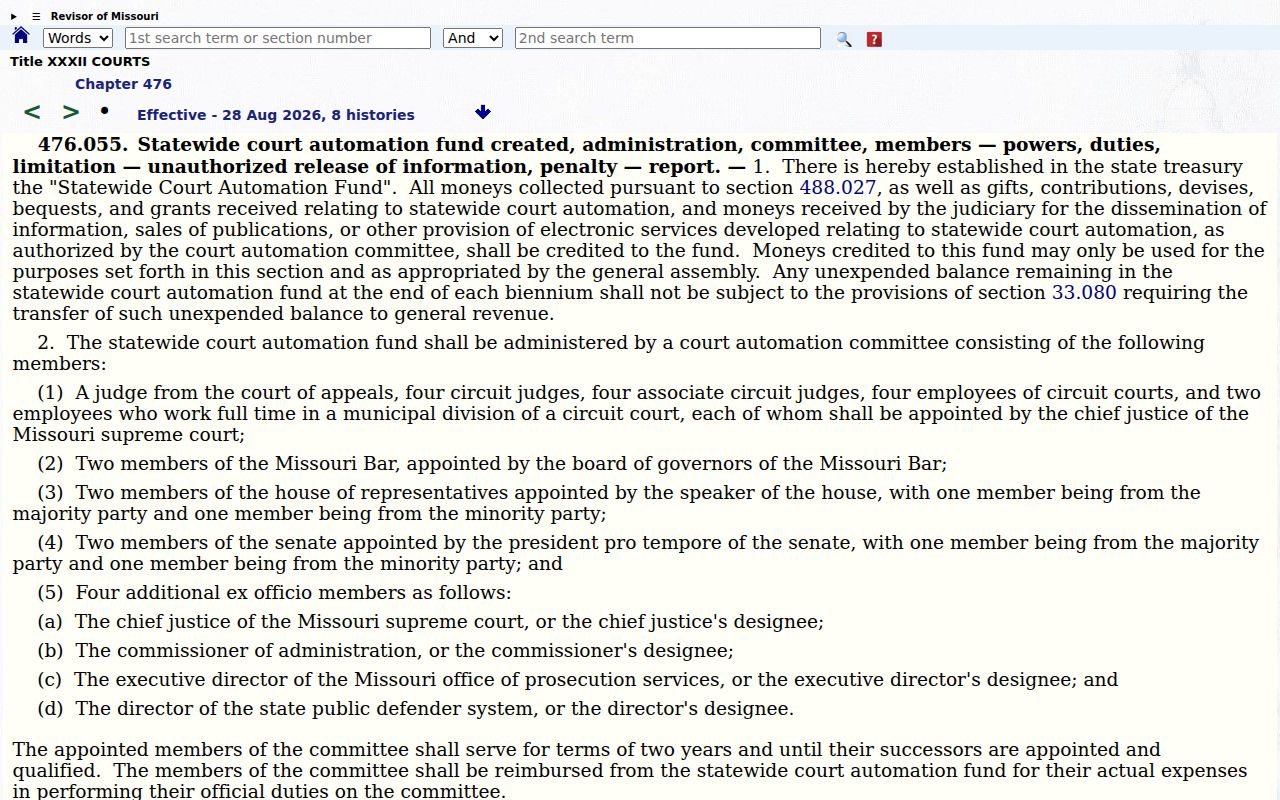
The local selector is still the practical way to aim that statewide system at one Ste. Genevieve County case.
Ste. Genevieve County Federal Docket Boundary
A federal docket search is a different animal from a Missouri state-court case search. CourtListener serves as a federal docket and document alternative. It does not replace Case.net or the Ste. Genevieve County Circuit Clerk. Federal matters belong to the U.S. District Court for the Eastern District of Missouri. That court runs its own separate systems.
Let the court named in the case record decide which path you take, state or federal. A hit in a federal search does not confirm a Missouri Circuit Court case exists. The reverse holds just as firmly.
Ste. Genevieve County Case Search Routing
The county's press-release archive offers dated county and sheriff information. It is not a case-search tool. An official public archive can look like a records source while holding nothing like the Docket Entries or Case Header for an individual court case, which is why it gets flagged here.
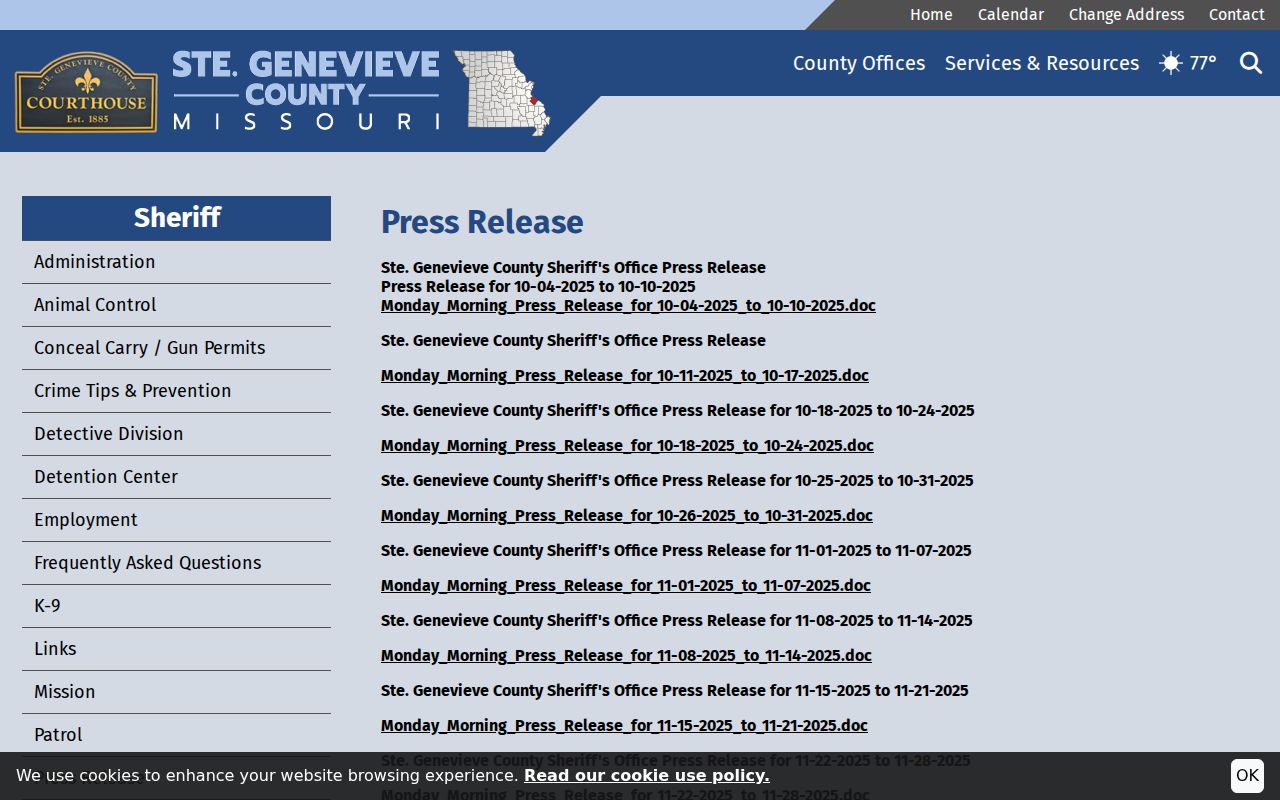
For the actual court record, stick with Case.net and the Circuit Clerk rather than a county news archive. When no clerk-specific path is open, the county contact hub works as a general routing fallback.
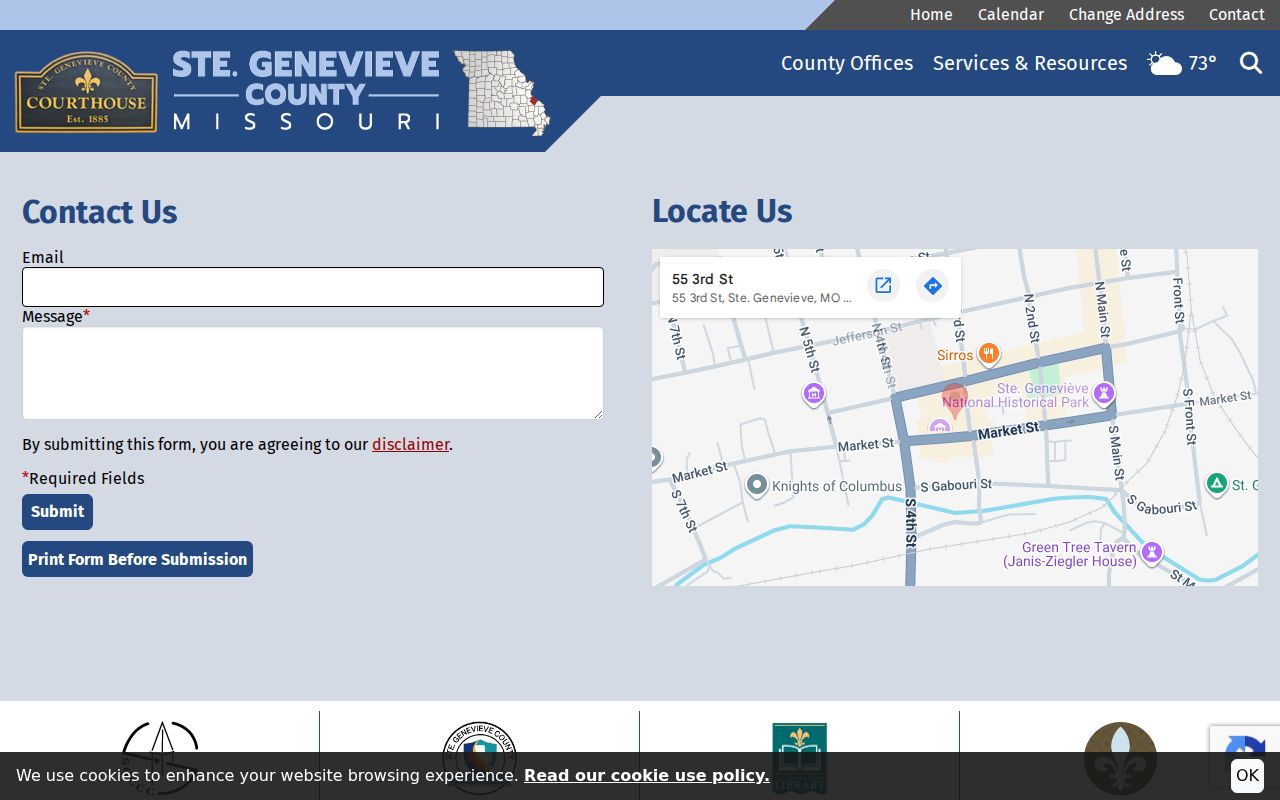
Even the contact hub cannot match the Circuit Clerk's specific criminal, traffic, municipal, civil, and probate routing. When you ask the proper court office for help, give the case number and the record type. That keeps the request moving.
Access and Restricted Cases
Missouri Court Operating Rule 2 presumes court records are open for inspection or copying during regular business hours unless a statute, rule, or court order makes them confidential. Court Operating Rule 4 describes the statewide record system and its public access equipment. Neither rule puts every file or image online for the public.
Juvenile records and social information stay confidential under RSMo §211.321. Adoption files, mental-health records, sealed records, and protected identifiers each carry their own limits. After an expungement order, RSMo §610.140 makes the affected court files confidential. So a public search is never a complete historical index.
If a case will not come up, take the case number and filing year to the Circuit Clerk and ask about the right public access route. A written Chapter 610 request can serve as a fallback for a public record that is not online. It cannot override a confidential status or a court order, though.